Update Azure Apps
less than a minute
The app update renews the expiration date for the key and certificate and sets the required permissions for the current Docusnap version. The Azure App key and certificate expire after one year, so they need to be updated regularly. If an Azure App was created with an older version, it can be updated to the current required version. In the process, the required permissions are adjusted.
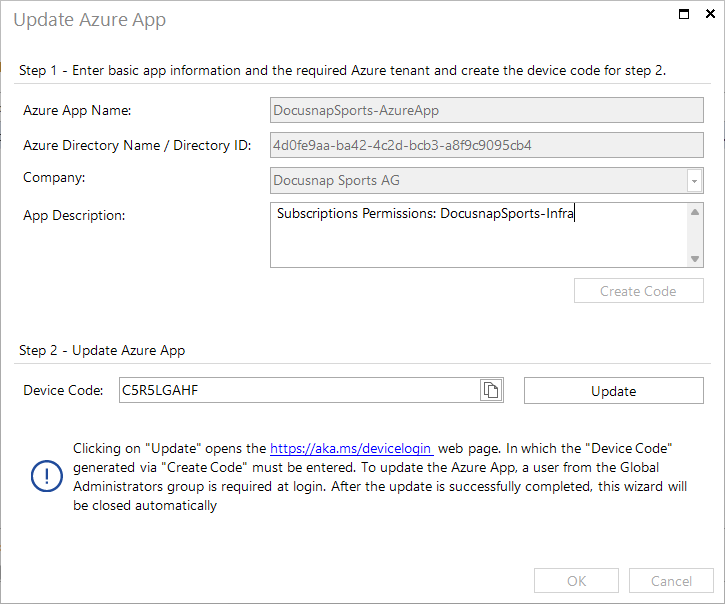
The Update Entra ID App Registration dialog shows the basic data of the selected app, the description can be modified. Clicking on Update opens the browser, where the login to Azure takes place. The update is then performed and the dialog can be closed with OK.