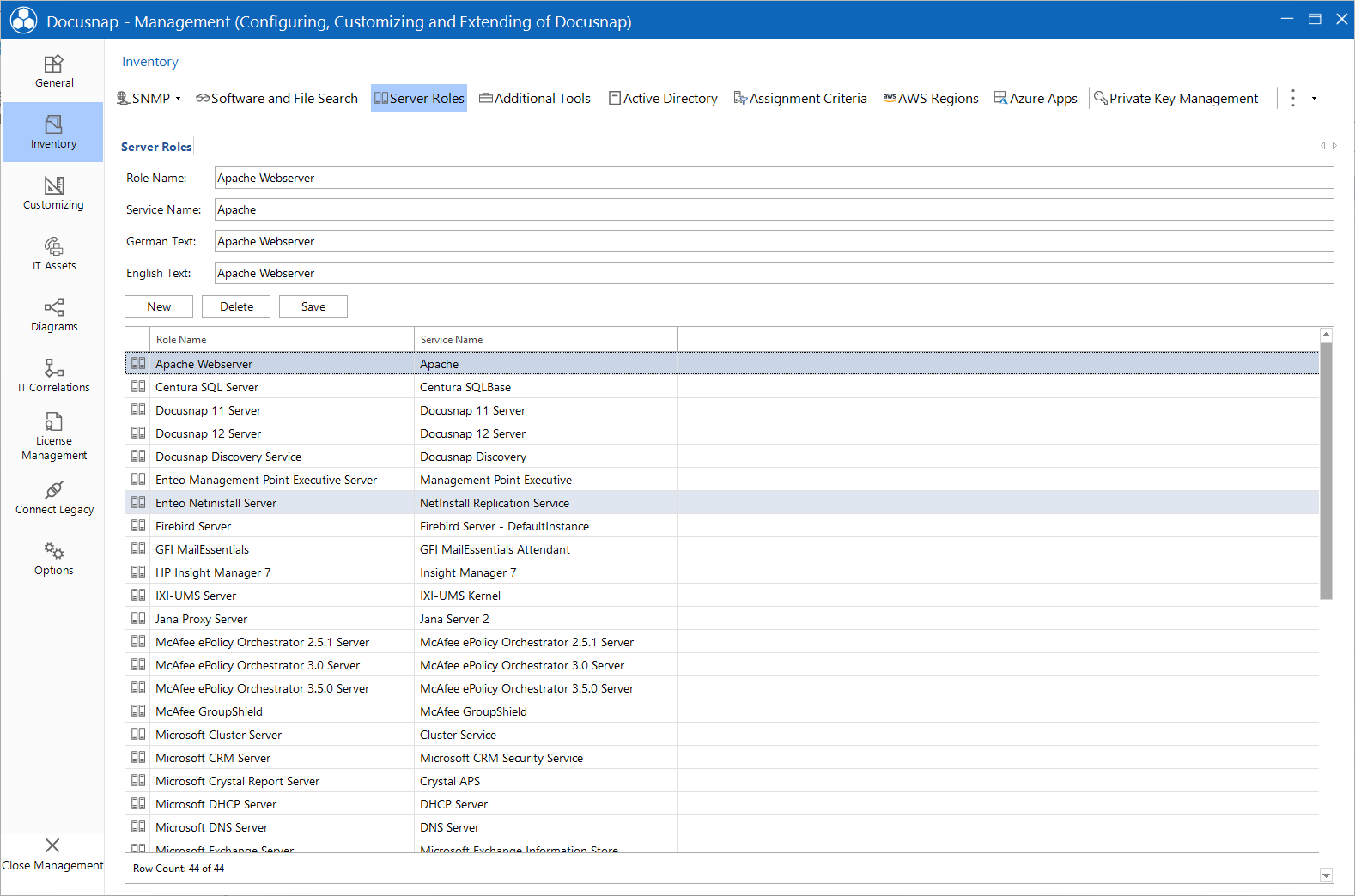
Server Roles
less than a minute
Windows systems may have various roles. These roles can be defined in the Server Roles tab. The evaluation covers all inventoried Windows systems, servers as well as workstations. When you perform an inventory scan, all services are retrieved that are present on the respective system at the time of the scan. By having a look at the services that have been started, you can see which tasks they fulfill.
In the Server Roles tab, you can enter the role name and the service that defines it. Enter any meaningful name for the role and English and German designations.
When displaying the server roles in the tree view the defined service name is matched to the inventoried service name. If the display name of the inventoried services contains one of the defined service names, this role will be displayed for this system. The wildcard character % (any sequence of characters) also matches services whose names include a variable suffix, for example SQL Server (%) for all SQL Server instances.
If the user interface language is English, the role name will be displayed in English. When you switch to German, the German name will be shown.